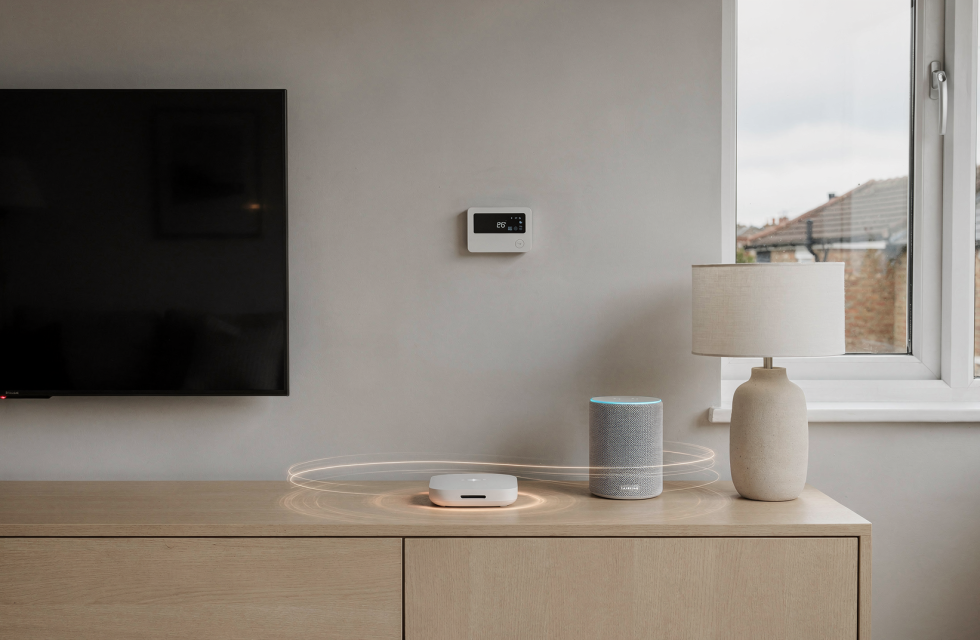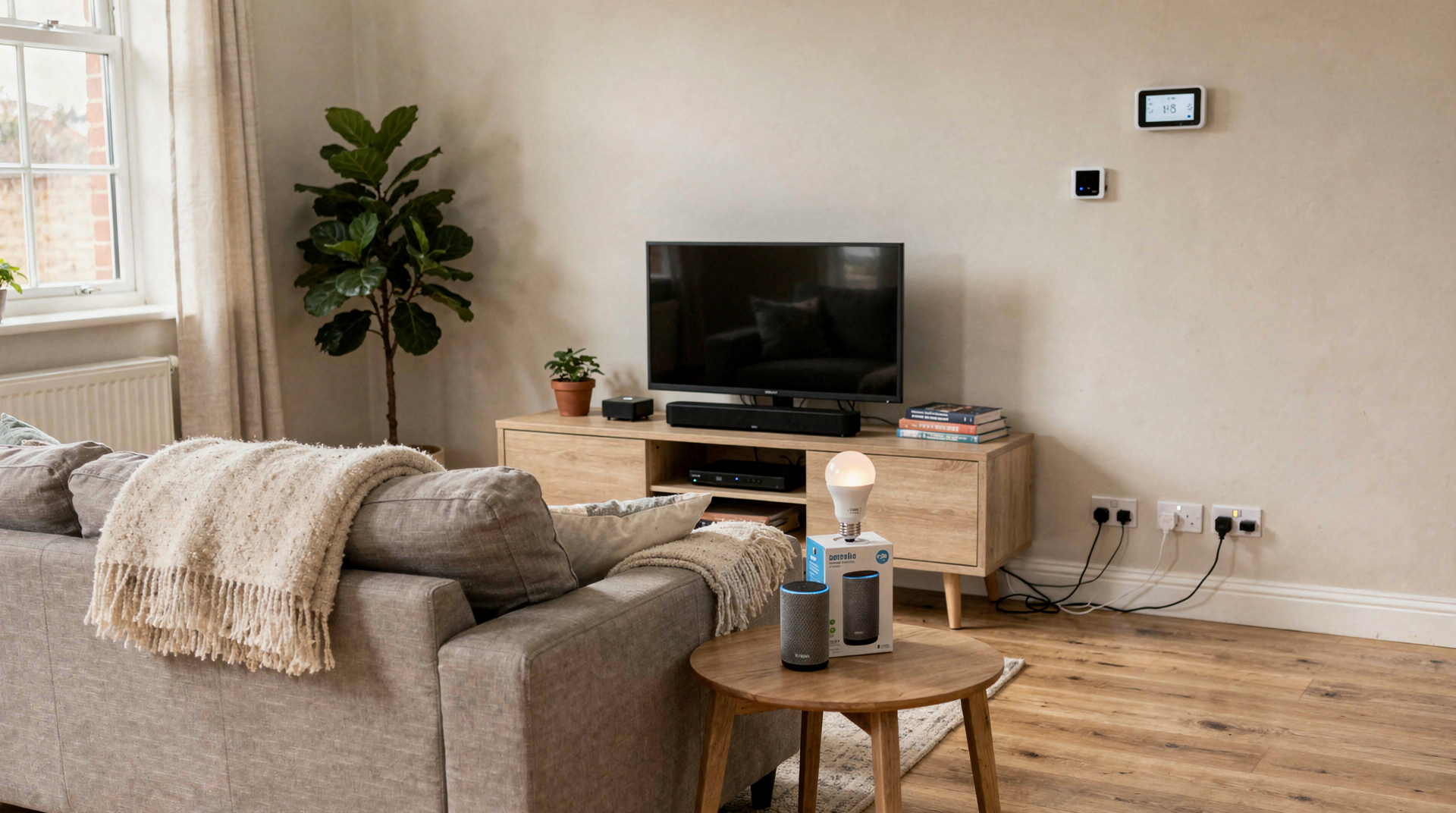
The myth that a smart home demands a five‑figure investment and a technician on speed dial is stubbornly persistent. In reality, a connected home built on a budget can be just as transformative — provided you start with a problem worth solving. The shrewdest approach, particularly in the UK where energy costs and unpredictable weather keep households pragmatic, is to pick one meaningful frustration, choose an ecosystem that won’t lock you into compatibility purgatory, and then expand deliberately as your confidence grows.
Why a budget smart home should be built in stages
I’ve watched too many people fill their living spaces with smart gadgets that end up as expensive paperweights. The cardinal sin is purchasing before planning: buying devices because they were on sale or looked clever, without a clear idea of what job they’d actually perform. A smarter path is to think of your home as a project that matures through stages — first convenience, then automation, and finally efficiency, security, and reliability.
At the outset, the goal is unglamorous but essential: make daily routines easier without adding cognitive overhead. As the system grows, priorities shift towards compatibility, routines, privacy, and maintenance. That’s where many low‑cost setups stumble — not because the hardware is inherently flawed, but because it was assembled without a roadmap.
The three stages of a budget smart home
| Stage | Main goal | Typical devices | What matters most |
|---|---|---|---|
| Starter setup | Convenience | Smart plugs, bulbs, speaker | Ease of use, low cost, simple app control |
| Connected setup | Automation | Motion sensors, door sensors, thermostats | Compatibility, routines, stable connectivity |
| Mature setup | Efficiency and control | Smart heating, cameras, hubs, scene control | Reliability, energy use, privacy, future expansion |
Knowing which stage you’re in instantly clarifies what to buy — and what to postpone.
Stage 1: Start with the highest-value devices
When you’re building on a budget, the art is in picking the devices that give you an immediate return on convenience. For most British homes, three categories stand out.
Smart plugs
Smart plugs are the unsung heroes of budget automation — the cheapest way to dip your toe into the connected home without overcommitting. They let you toggle lamps, heaters with suitable controls, coffee machines, or fans remotely and on a schedule.
Use them for:
- lamps in rooms you occupy during the evening
- devices you chronically forget to switch off
- appliances that benefit from timed operation (e.g., heated towel rails, slow cookers)
What to check:
- UK plug format (Type G) and maximum load rating — many budget plugs aren’t designed for high‑wattage appliances and can become a fire risk
- whether the plug requires a subscription for basic scheduling
- that the companion app allows you to create simple timers and sunrise/sunset routines
Smart bulbs
Smart bulbs deliver a quick win for anyone who wants remote control and mood lighting without rewiring. They’re particularly effective in rented flats where you can’t replace switches, and they shine in spaces where dimming is genuinely useful.
Best use cases:
- bedside lamps that ease you into the morning
- living room corner lights that set an evening atmosphere
- rooms where you want to adjust brightness without getting up
Watch out for:
- the classic trap: someone turns off the wall switch, cutting power to the bulb and breaking automation
- choosing a colour temperature that feels clinical rather than cosy — 2700K is usually right for relaxation
- mixing too many incompatible bulb brands early on, which fragments control across apps
Smart speakers or displays
A voice assistant can act as the glue that binds a starter setup together, but only if you’ll genuinely use voice commands. In many budget systems, a modest smart speaker becomes the control centre for timers, routines, and quick weather checks. If you rarely talk to devices, your smartphone app may be all you need at first.
Choose one if you want:
- hands‑free control while cooking or carrying laundry
- simple voice routines (“goodnight” to lock doors and dim lights)
- a central hub for announcements and reminders
Be honest about whether you’ll actually use a display; an Echo Show or Nest Hub is wasted money if it degenerates into a glorified digital photo frame.
Stage 2: Add automation where it saves time
Once the basics are humming, automation elevates a collection of remote‑controlled gadgets into something that feels genuinely thoughtful. This is where a budget home starts to punch well above its price tag.
Motion sensors
A motion sensor in a hallway transforms a groggy 3 a.m. stumble into a welcoming path of light. These sensors are ideal for hallways, bathrooms, stairs, and utility rooms — places where lights are frequently left on by accident. They can trigger illumination only when someone enters, and then switch it off after a set period.
Why they matter:
- they cut wasted electricity — a hallway light burning all night adds up over a year
- they make late‑night navigation safer and less disruptive
- they remove the need to fumble for switches when your hands are full
Door and window sensors
These tiny, inexpensive modules punch above their weight. They’re not just for security; they can pause your heating schedule the moment a window is opened, preventing your boiler from fighting a cold draft — a feature that can pay for itself over a single winter.
Practical uses:
- get a notification when the front door opens, useful if you have kids coming home at odd hours
- automatically halt radiator valves or thermostat schedules when fresh air is intentional
- build a simple awareness layer — know at a glance if a window was left open before you leave the house
Smart thermostats and radiator controls
Heating is the arena where budget smart homes in the UK can most easily justify their existence. A smart thermostat or individual smart radiator valves give you zonal control: heat only the rooms you use, and only when you need them warm. But a thermostat alone is no magic bullet.
Important nuance:
- savings depend entirely on your baseline habits — if you already heat sparingly, the gains may be modest
- poor scheduling can backfire; I’ve seen “smart” schedules that heat an empty home during a long bank holiday because nobody adjusted the routine
- occupancy detection and open‑window detection are the features that truly cut waste, not just the ability to tweak from your phone
How to choose the right ecosystem
The dirty secret of budget smart homes is that interoperability is often the first casualty of price‑cutting. To avoid a patchwork of apps that refuse to cooperate, you need to pick an ecosystem and commit to it for the first phase. Devices from different planets may all speak Wi‑Fi, but they rarely speak the same language of automations.
Main options to consider
| Ecosystem | Best for | Strengths | Limitations |
|---|---|---|---|
| Alexa | Simple voice control and broad device support | Easy setup, huge catalogue of affordable devices | Can become messy if devices come from too many different sub‑brands |
| Google Home | Households already using Google services | Clean app experience, excellent voice recognition | Some advanced routines are less flexible than power users expect |
| Apple Home | iPhone users wanting tight integration and privacy | Strong privacy focus, elegant control in the Home app | Fewer budget device options in categories like smart plugs and sensors |
| Matter‑compatible setup | Future‑proofing and mixed brands | Better cross‑brand compatibility, local control potential | Not every device category is equally mature yet; treat it as a long‑term layer |
For a UK buyer on a budget, Alexa often gives the best balance of device choice and affordability, while Google Home fits seamlessly if you’re already in the Android ecosystem. Apple Home is elegant but can strangle a truly low‑cost build. Matter is the most promising long‑term bridge, but today it works best as an overlay on top of a primary ecosystem rather than as your sole foundation.
A practical buying order for a low-cost setup
If you want to grow methodically, following this sequence almost always yields the highest return per pound spent:
- Start with one smart speaker or an existing hub — it becomes the brain for later devices.
- Add two or three smart plugs — they test the waters and provide immediate utility on lamps or fans.
- Replace one or two frequently used bulbs with smart bulbs — target rooms where dimming makes a real difference.
- Add a motion sensor for a hallway or bathroom — your first taste of true automation.
- Add door/window sensors if security or heating control matters — they enable smarter energy behaviour.
- Move into thermostat or smart radiator valve upgrades last — only after you understand your household’s heating patterns.
This order works because it proves usefulness incrementally, letting you pause or change direction without having sunk money into gear that doesn’t solve a real problem.
Common mistakes that waste money
Over the years I’ve catalogued the same budget traps claiming victims again and again. Sidestep these and you’ll keep your project both affordable and frustration‑free.
Buying too many devices at once
A room crammed with gadgets isn’t a smart home; it’s usually an expensive collection of separate islands. Start with one room, get it right, then replicate.
Ignoring compatibility
Some devices look cheap until you discover they require a proprietary hub, don’t talk to your chosen app, or can’t be folded into routines. Always check the “Works with” statement before buying.
Overvaluing novelty features
Colour‑changing animations and phone widgets are eye‑catching, but they seldom matter day to day. Reliability, fast pairing, and stable schedules matter far more.
Forgetting about Wi‑Fi load
Many ISP‑issued routers buckle under 20+ devices. If your Netflix pauses whenever a smart plug toggles, upgrade your network before adding more gear. A budget mesh system is often a better investment than another sensor.
Choosing devices with poor support
A low price is no bargain if the manufacturer abandons the app after a year, leaving you with hardware that can’t be reconfigured. Check for recent app updates and an active support presence before committing.
What matters most as the home grows
As your smart home matures, the criteria you use to evaluate purchases should evolve. Shopping with a “starter” mindset forever is how intelligent setups become fragile.
Early stage priorities
- low price
- quick setup
- simple control
- visible everyday convenience
Mid-stage priorities
- automation quality
- cross‑device compatibility
- dependable sensors (no phantom triggers)
- sensible routines that don’t need constant babysitting
Later-stage priorities
- privacy controls and local processing options
- energy monitoring to track where your watts actually go
- backup access if the internet goes down — a system that’s helpless offline is a liability
- easier maintenance and device replacement — when a bulb fails, you don’t want to reconfigure your entire home
This shift is critical. In a mature setup, downtime is more annoying than in a starter home because multiple rooms and routines now depend on the infrastructure. Stability becomes the premium, not the price tag.
Budgeting realistically in the UK
A low‑cost smart home doesn’t demand a huge upfront outlay, but it’s wise to plan in bands rather than chase the absolute cheapest unit every time. The right budget is about how clearly each device earns its keep, not the total spend.
Example budget approach
- Under £50: one smart speaker and a couple of plugs — enough to prove the concept.
- £50–£150: starter room automation with bulbs, plugs, and a motion sensor.
- £150–£400: multi‑room setup including heating control or basic security sensors.
- £400+: broader whole‑home integration with better coverage, redundancy, and perhaps a more robust hub.
The key is that each device has a defined job. A £400 collection that saves 15 minutes a week and slices £20 off a monthly energy bill is a better investment than a £100 bundle of toys that do nothing useful.
A simple room-by-room rollout plan
Rolling out in a structured way prevents the chaos of a house where half the lights are smart and the other half still require a manual switch that kills the automation.
Living room
- smart bulb or lamp plug for evening ambiance
- voice assistant placed centrally, perhaps inside a discreet shelf
- one scene that sets the lighting for movie nights at a single command
Bedroom
- bedside smart plug or bulb for gentle wake‑up routines
- quiet automations that fade lights at bedtime
- optional motion‑triggered night light under the bed to avoid full‑brightness trips to the bathroom
Hallway
- motion sensor that turns on a gentle overhead light after dark
- timed automation to ensure the light switches off after a few minutes of inactivity
- simple arrival routine that illuminates the entrance when the front door opens
Kitchen
- smart plug for low‑risk appliances like a coffee machine or a radio
- voice reminders and timers while cooking
- optional leak sensor placed under the sink — a £15 sensor can prevent a catastrophic repair bill
Heating zones
- smart thermostat or individual radiator valves only after you have a handle on which rooms you actually use at which times. Without usage data, you risk automating an inefficient pattern.
Checklist before you buy
Run through this list before clicking “add to basket” and you’ll dodge most budget smart home regrets.
- Decide what specific problem each device will solve.
- Confirm the device works in the UK (correct plug, voltage, and regulatory compliance).
- Check whether you need a separate hub — some brands hide that requirement in the small print.
- Verify compatibility with your chosen ecosystem (Alexa, Google, Apple, Matter).
- Read reviews to confirm that timers and automations work reliably, not just the basic remote control.
- Look for an app that is still actively maintained — last updated in 2021 is a red flag.
- Make sure the installation is within your comfort level; some smart switches require a neutral wire that older UK homes may lack.
- Start with one room before scaling across the whole house.
When a cheap setup becomes a better setup
A budget smart home crosses the threshold from “gadget collection” to “genuinely useful infrastructure” when it consistently delivers at least one of these outcomes:
- saves you time every week — even a few minutes of not hunting for switches or re‑entering schedules
- reduces energy waste in a measurable way, not just theoretical
- improves comfort without demanding extra effort — lights that follow you, heating that aligns with your life
- gives you useful visibility, such as checking which window is open or whether the hallway light is still on after midnight
If none of those are happening, the system is probably too fragmented, too complicated, or built around gadgets rather than actual household needs.
FAQ
What is the best first smart home device?
For most people, a smart plug wins hands down. It’s cheap, installs in seconds, and gives immediate remote control over a lamp or fan. There’s no rewiring, no hub required, and if you decide the smart home life isn’t for you, you’re only out a few quid.
Do I need a hub for a budget smart home?
Not always. Many modern devices work directly over Wi‑Fi and are controlled through a phone app. However, a dedicated hub (like an Amazon Echo, a Google Nest Hub, or a Zigbee coordinator) can improve reliability, reduce Wi‑Fi congestion, and unlock more advanced automations as your setup grows.
Is it better to buy one brand for everything?
Yes, especially at the beginning. Staying within one ecosystem means fewer apps, fewer pairing headaches, and much smoother routine building. Once you’re comfortable, you can gradually introduce cross‑brand devices through a standard like Matter.
Are smart bulbs worth it?
Absolutely — if you genuinely want remote control, scheduling, dimming, or mood lighting. They become an annoyance if household members keep switching off the wall power, so pair them with a sign or a switch cover if that habit is common in your home.
What should I upgrade last?
Heating control, camera systems, and complex multi‑room audio should usually come after you’ve proven that the basic setup is useful and stable. These are the areas where poor configuration can cost you money rather than save it.
Conclusion
A connected home on a budget works best when it grows in deliberate stages: first convenience, then automation, and finally efficiency and control. Start with the devices that solve real household irritations, keep the ecosystem simple enough that you’re not juggling six apps, and expand only when each new addition has a clear, measurable purpose. That way, you’ll end up with a home that serves you — not a collection of gadgets that demand constant attention.